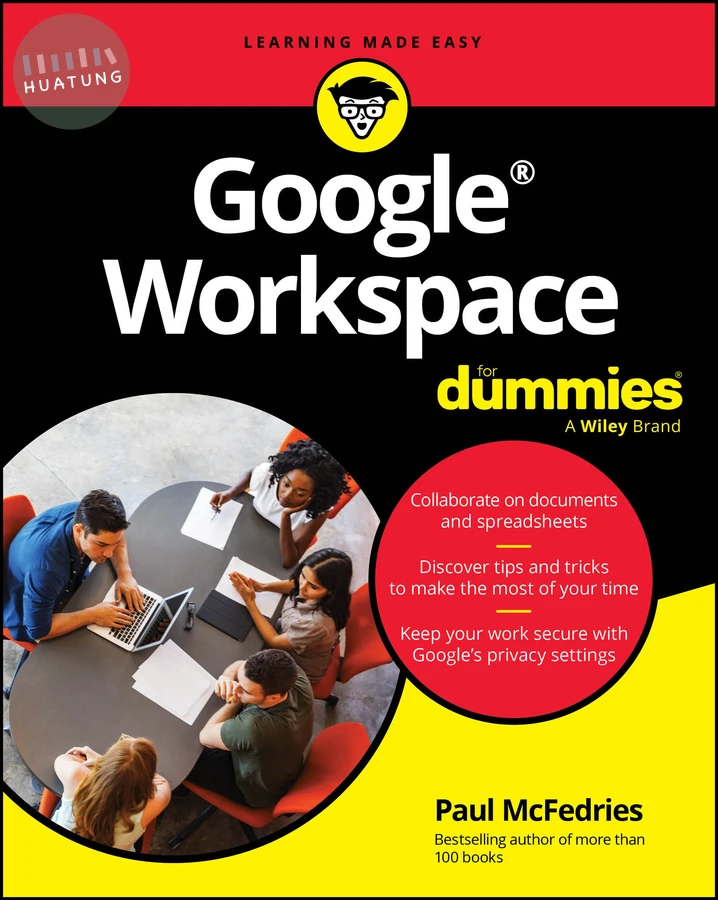

Google Workspace For Dummies
$1008元 定價: $1120 9折 可訂購
簡介
Easy advice for getting the most out of Google Workspace for school, work, or personal use Google Workspace For Dummies is here to show you the tips and tricks for upping your productivity with Google's cloud-based software suite. This book includes jargon-free instructions on using Gmail, Calendar, Docs, Sheets, Drive, Chat, and Meet. You'll learn about the AI features, updated security, compatibility with other apps, picture-in-picture capability for video meetings, and beyond. Plus, you'll get info on Google's Forms and Notes feature that makes it simple to gather and share data and stay up-to-date with your team. It's easier than ever to collaborate securely in the cloud, thanks to this Dummies book. Learn how to collaborate with colleagues in real time using the programs that come with Google Workspace
Create and edit contacts, and set up video meetings
Work on slides, spreadsheets, and documents
Discover tips and tricks to increase productivity and keep your work secure
Google Workspace For Dummies is a must for business users and workers who use Google applications on the job. Casual users and students, you'll love it, too.
目錄
Introduction 1
Part 1: Keeping Your Affairs in Order 5
CHAPTER 1: Google Workspace: The 50¢ Tour 7
CHAPTER 2: Taming the Email Beast 17
CHAPTER 3: Places to Go, People to See: Managing Your Calendar 49
CHAPTER 4: Friends, Romans, Countrymen: Managing Your Contacts 69
Part 2: Making Stuff: Documents, Spreadsheets, and More 89
CHAPTER 5: Getting Started with Docs 91
CHAPTER 6: Looking Good: Formatting Documents 115
CHAPTER 7: Fiddling with Document Layout 143
CHAPTER 8: Getting Started with Sheets 167
CHAPTER 9: Crunching Numbers 199
CHAPTER 10: Creating Eye-Popping Presentations 229
Part 3: Collaborating with Your Team 257
CHAPTER 11: Collaborating on Files 259
CHAPTER 12: Collaborating with Calendar 281
CHAPTER 13: Setting Up Video Meetings 299
CHAPTER 14: Chatting with Your Team 319
CHAPTER 15: Collaborating with Groups 335
CHAPTER 16: Collaborating with Forms and Notes 353
Part 4: The Part of Tens 365
CHAPTER 17: Ten Tips for Working from Home 367
CHAPTER 18: Ten Really Useful Gmail Settings 383
CHAPTER 19: Ten Ways to Enhance Privacy and Security 395
Appendix: Glossary of Google Workspace Terms 411
Index 419