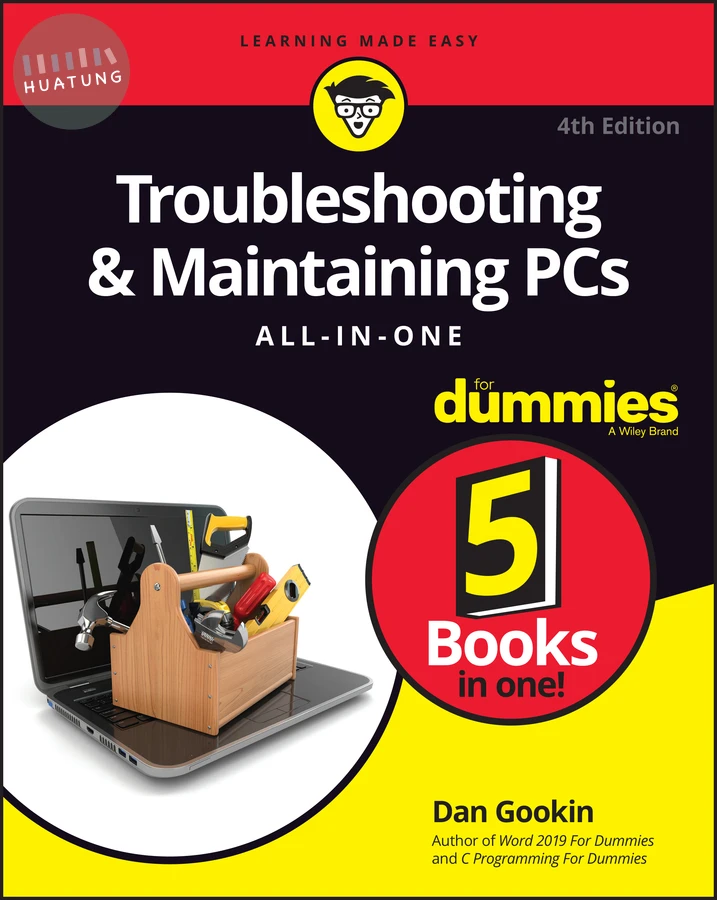

Troubleshooting & Maintaining PCs All-in-One For Dummies
$1310元 定價: $1456 9折 可訂購
簡介
Show your PC who's boss
Nothing's more annoying than a tech malfunction, especially when it’s your PC—with the exception of perhaps wading through reams of random, unreliable theories online looking for a solution, or paying an expensive tech geek to show up to perform a five-minute fix. The latest edition of Troubleshooting & Maintaining Your PC All-in-One For Dummies puts all this frustration behind you and gets you straight to work solving the problem yourself!
In his straightforward, friendly style, Dan Gookin—bestselling tech author and all-round Mr. Fixit—packs everything you need to know into 5-books-in-1, giving you the knowledge and process to hit on the right solution, fast. From identifying common problems to methodically narrowing down to the correct fix, you’ll save hours of frustrating research—and experience the sweet, righteous satisfaction of having achieved it all yourself.
Pick up quick fixes
Understand and reconnect networks
Restore memory
Boost your PC's performance
Every problem has a solution and PCs are no different: get this book and you'll never catch yourself shouting at your monitor or frustrated with the motherboard again—well, maybe not quite so often.
目錄
Introduction 1
Book 1: Solve My Problem Now! 5
Chapter 1: Trouble Comes Hither 7
Chapter 2: Quick Fixes 15
Book 2: O, We Got Trouble! 29
Chapter 1: Startup Problems 31
Chapter 2: Disk Disaster 47
Chapter 3: Monitor Mayhem 83
Chapter 4: Internal Issues 107
Chapter 5: Printer Problems 137
Chapter 6: Peripheral Perils 155
Chapter 7: Software Situations 177
Chapter 8: Network Nonsense 197
Chapter 9: Shutdown Issues 225
Book 3: Tools to Use 237
Chapter 1: Windows Recovery Environment 239
Chapter 2: The Device Manager 257
Chapter 3: MSCONFIG and the Task Manager 265
Chapter 4: Safe Mode 279
Chapter 5: System Restore 293
Chapter 6: The Task Manager 305
Chapter 7: The Windows Registry 317
Chapter 8: Events and Diagnostics 329
Book 4: PC Privacy and Security 341
Chapter 1: PC Privacy 343
Chapter 2: Keeping Software Current 353
Chapter 3: Keep Mr PC Safe 363
Chapter 4: Backup and Restore 375
Book 5: This Old PC 389
Chapter 1: Performance and Resources 391
Chapter 2: More Mass Storage 399
Chapter 3: Boost PC Performance 415
Index 427