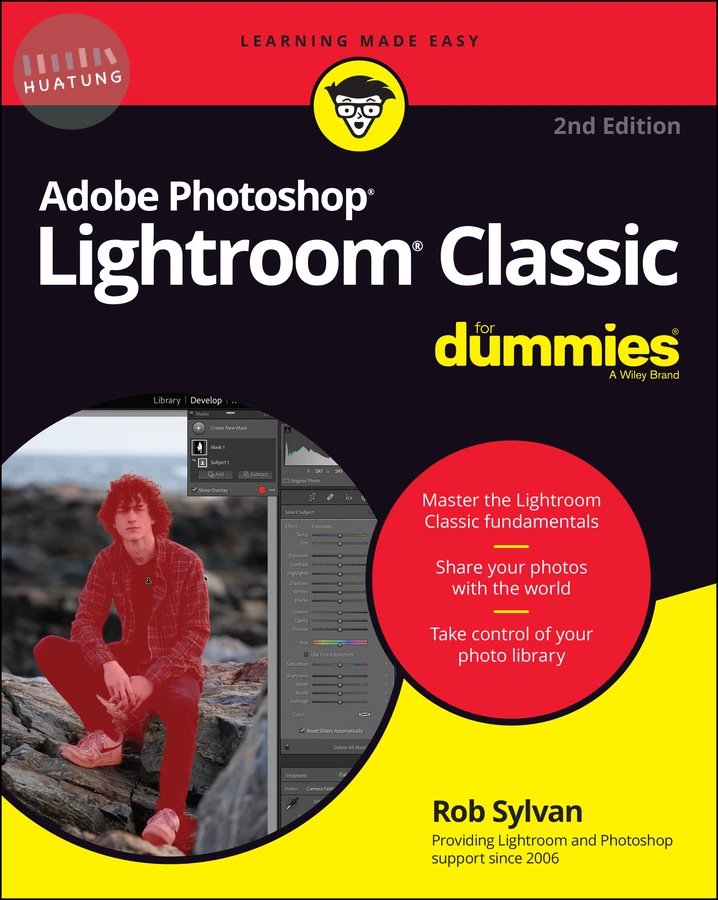

Adobe Photoshop Lightroom Classic For Dummies
$1165元 定價: $1294 9折 可訂購
簡介
The most up-to-date manual for using Adobe's gold standard photo workflow software Adobe Photoshop Lightroom Classic For Dummies is the perfect companion for photographers looking to make the most of this powerhouse software. Lightroom Classic lets you edit, organize, and share large volumes of digital photos, so you can spend less time in front of the computer and more time behind the lens. With this book, you'll learn the program's fundamentals and discover the latest features and updates'including improved Masking tools, AI-based tools, and the new Lens Blur feature. Discover the tools and processes that make the most sense for you, and get pro tips for taking your photos to the next level. Learn your way around the Lightroom Classic interface
Expertly manage your photo library
Edit and share your photos with confidence
Make your photos even better with new editing tools
This popular Dummies guide is great for anyone who needs a primer on the essentials of Lightroom Classic for personal or professional use.
目錄
Introduction 1
Part 1: Getting Started with Lightroom Classic 5
Chapter 1: Getting to Know Adobe Photoshop Lightroom Classic 7
Chapter 2: Working with Catalogs 25
Chapter 3: Lightroom Classic Basics That You Should Know 47
Part 2: Managing Your Photos with Lightroom Classic 65
Chapter 4: Tackling the Lightroom Classic Import Process 67
Chapter 5: Viewing and Finding Photos in the Library 89
Chapter 6: Getting Organized with the Library 113
Chapter 7: Exploring the Library Module’s Advanced Features 135
Part 3: Working in Lightroom Classic’s Digital Darkroom 157
Chapter 8: Editing Photos in the Develop Module 159
Chapter 9: Solving Problems and Saving Time 181
Chapter 10: Taking Your Photos to the Next Level 205
Part 4: Sharing Your Work with the World 235
Chapter 11: Exporting Copies and Using External Editors 237
Chapter 12: Designing a Book 259
Chapter 13: Producing a Slideshow 277
Chapter 14: Printing Your Work 297
Chapter 15: Creating a Web Gallery 321
Part 5: The Part of Tens 335
Chapter 16: Ten Tips for Lightroom Classic and Lightroom Together 337
Chapter 17: Ten Tips for Organizing and Editing in Lightroom. 343
Index 351