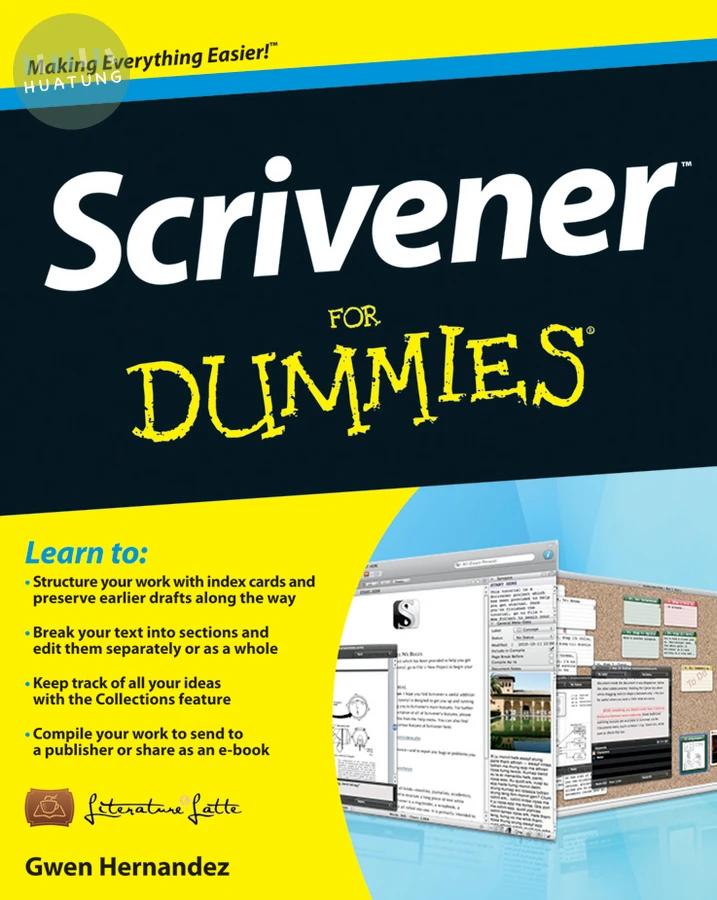

Scrivener For Dummies
$806元 定價: $896 9折 可訂購
簡介
No matter what you want to write, Scrivener makes it easier.
Whether you’re a planner, a seat-of-the-pants writer, or something in between, Scrivener provides tools for every stage of the writing process. Scrivener For Dummies walks you step-by-step through this popular writing software’s best features. This friendly For Dummies guide starts with the basics, but even experienced scriveners will benefit from the helpful tips for getting more from their favourite writing software.
Walks you through customizing project templates for your project needs
Offers useful advice on compiling your project for print and e-book formats
Helps you set up project and document targets and minimize distractions to keep you on track and on deadline
Explains how to storyboard with the corkboard, create collections, and understand their value
Shows you how to use automated backups to protect your hard work along the way
From idea inception to manuscript submission, Scrivener for Dummies makes it easier than ever to plan, write, organize, and revise your masterpiece in Scrivener.
目錄
Introduction 1
Part I: Getting to Know Scrivener 7
Chapter 1: Getting Started in Scrivener 9
Chapter 2: Organizing Your Work with the Binder 21
Part II: Meeting the Inspector 43
Chapter 3: Working with the Synopsis 45
Chapter 4: Tracking Scene Elements with Metadata 51
Chapter 5: Working with Document Support Panes 67
Part III: Starting to Write 93
Chapter 6: Introducing the Editor: Where the Magic Happens 95
Chapter 7: Getting Rid of Distractions with Composition Mode 119
Chapter 8: Planning Your Project with the Corkboard 129
Chapter 9: Getting a High-Level View of Your Project with the Outliner 145
Chapter 10: Marking Up Your Text with Inline Annotations and Comments 159
Chapter 11: Citing Your Sources with Footnotes 171
Part IV: Getting Your Manuscript Out There 183
Chapter 12: Setting Up the Compile Options 185
Chapter 13: Exporting Your Project with Compile 227
Part V: Customizing Your Scrivener Experience 245
Chapter 14: Setting Word Count Goals and Checking Progress 247
Chapter 15: Saving Time with Custom Layouts and Project Templates 261
Chapter 16: Creating Useful Forms with Document Templates 277
Part VI: Getting the Most Out of Scrivener 285
Chapter 17: Searching High and Low 287
Chapter 18: Creating Collections for Quick Access to Related Files 305
Chapter 19: Saving Versions of Your Files with Snapshots 319
Chapter 20: Tracking Your Revisions 333
Chapter 21: Protecting Your Work with Automatic and Manual Backups 341
Part VII: The Part of Tens 349
Chapter 22: Ten Awesome Features That Didn’t Fit Anywhere Else 351
Chapter 23: Ten Ways to Get More Help 359
Index 363