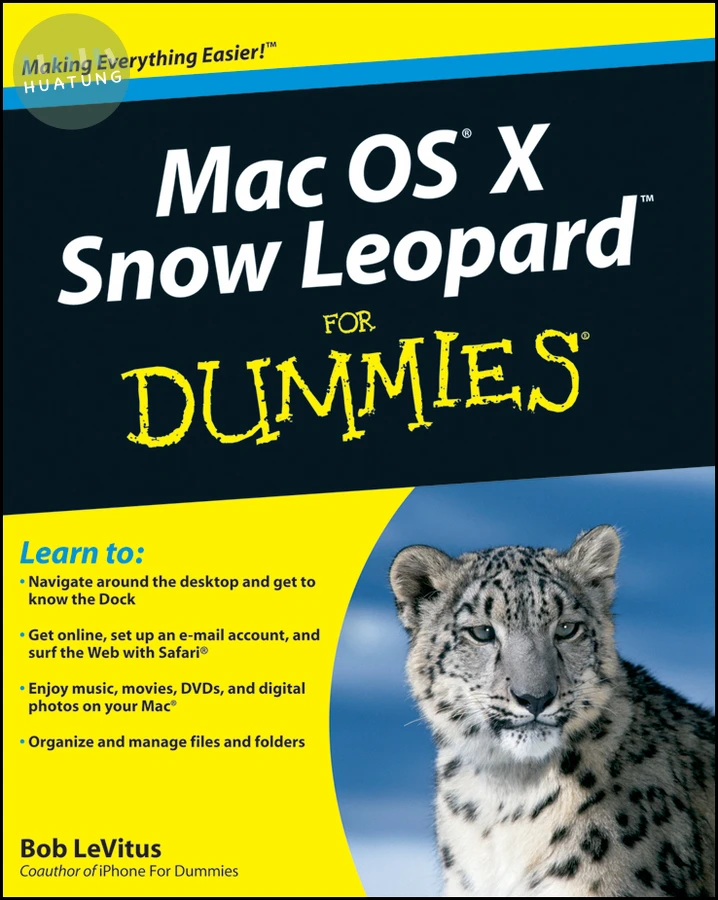

Mac OS X Snow Leopard For Dummies
$932元 定價: $1035 9折 可訂購
簡介
Mac OS X Snow Leopard is the newest version of the Macintosh operating system, and “Dr. Mac” Bob LeVitus is the ideal expert to introduce you to Snow Leopard. Mac OS X Snow Leopard For Dummies covers all the cool stuff and prepares you for the quirks, so whether it’s your first Mac or an upgrade, you’ll enjoy a truly rewarding relationship. From starting up your Mac to setting up a network and keeping in touch via iChat AV, Mac OS X Snow Leopard For Dummies gives you the scoop on the new features and improvements that help you do more work in less time.
Learn when to shut down your Mac and when not to, how to secure it, and how to back it up with Time Machine
Organize your life with iCal and your stuff with files and folders, and be able to find what you’re looking for
Set up your Internet connection and e-mail, manage spam, surf with Safari, and start iChatting
Download and organize songs, podcasts, and movies with iTunes and plan a playlist with Genius
Create documents with TextEdit, print them, fax then, and make PDFs
Set up a network and share files, printers, and Internet connections
Find out about operating system updates, firewalls, troubleshooting, and other ways to keep your Mac safe, healthy, and happy
Technology columnist Bob LeVitus has been a Mac guru for nearly two decades. Mac OS X Snow Leopard For Dummies provides just what you need to get up and running with Snow Leopard.
目錄
Introduction. Part I: Introducing Mac OS X Snow Leopard: The Basics.
Chapter 1: Mac OS X Snow Leopard 101 (Prerequisites: None).
Chapter 2: The Desktop and Windows and Menus (Oh My)!
Chapter 3: Have It Your Way.
Chapter 4: What’s Up, Dock?
Chapter 5: The Finder and Its Icons.
Part II: Snow Leopard Taming (Or “Organization for Smart People”).
Chapter 6: Organizing and Managing Files and Folders.
Chapter 7: Dealing with Disks.
Chapter 8: Organizing Your Life.
Part III: Do Unto Snow Leopard: Getting Things Done.
Chapter 9: Internet-Working.
Chapter 10: E-Mail Made Easy.
Chapter 11: The Musical Mac.
Chapter 12: The Multimedia Mac.
Chapter 13: Words and Letters.
Part IV: Making This Snow Leopard Your Very Own.
Chapter 14: Publish or Perish: The Fail-Safe Guide to Printing.
Chapter 15: Sharing Your Mac and Liking It.
Chapter 16: Features for the Way You Work.
Part V: The Care and Feeding of Your Snow Leopard.
Chapter 17: Safety First: Backups and Other Security Issues.
Chapter 18: Utility Chest.
Chapter 19: Troubleshooting Mac OS X.
Part VI: The Part of Tens.
Chapter 20: Almost Ten Ways to Speed Up Your Mac Experience.
Chapter 21: Ten Ways to Make Your Mac Better by Throwing Money at It.
Chapter 22: Ten (Or So) Great Web Sites for Mac Freaks.
Appendix: Installing or Reinstalling Mac OS X Snow Leopard (Only If You Have To).
Index.


